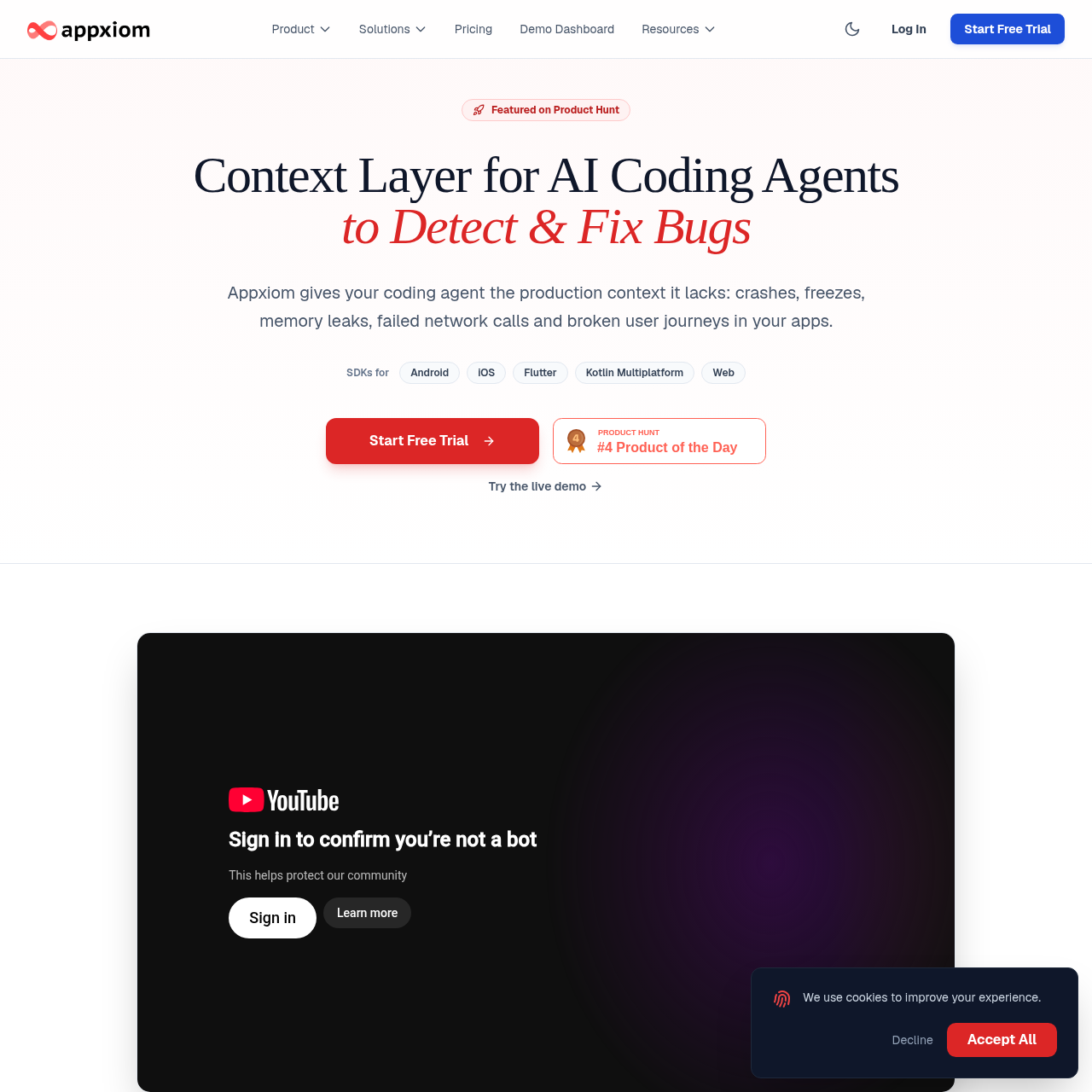
Appxiom gives AI coding agents read-only access to production issue data and shows which bugs affect tracked user journeys.
Code & ITLinks detected issues to the tracked…Provides activity trails and device stateProduction issue detectionGoal Friction Impact
Listed on AIToolly
What Is Appxiom? Product Overview
What the product does and how it is positioned
Appxiom detects production issues and supplies activity trails, device state, and crash stack traces to support investigation. The coding agent and developer use that context to diagnose the issue and write a fix.
Teams can mark journeys such as signup or checkout as goals. Appxiom measures completion and drop-off, links issues to the goals they affect, and makes the issue ranking available to the coding agent.
What Can You Use Appxiom For?
Source-supported ways to use the product
Investigate a production crash
A developer and coding agent can examine the crash stack trace, activity trail, and device state when diagnosing a detected crash.
Prioritize issues in checkout or signup
A team can mark a journey as a goal and use completion, drop-off, and issue data to decide which bug to investigate first.
How to Use Appxiom
The documented workflow, where available
1
Install the platform skills
The coding agent uses the skills to add the platform SDK, goals, and activity trails. Goal names and trails require approval.
2
Connect the MCP server
The remote HTTP MCP server is added to the coding agent, which can read Appxiom data while the user is signed in to the dashboard.
How issue ranking uses tracked goals
A tracked goal marks the start and successful completion of a journey. Appxiom uses those events to measure completion and identify where users drop off.
Detected issues are linked to the tracked goals they affect.
The coding agent can read the ranking through MCP, but the ranking does not establish the root cause.
What to Test Before Choosing Appxiom
Checks to run with your own material and workflow
Confirm that Appxiom detects the issue types the project needs on its target platform.
Verify that the coding agent supports a remote HTTP MCP connection for read-only access.
Review how each tracked journey defines its start and successful completion before relying on its drop-off measurements.